January 28, 2026
How to Stop Scope Creep: The "Yes, But..." Technique
The Short Answer
What is Scope Creep?
Scope creep happens when a project slowly grows beyond the original agreement without an increase in budget or timeline. The best way to handle it is not to say "No," but to say "Yes, and..." — "Yes, I can do that, and here is the estimate for the additional time." This turns a conflict into a business transaction.

Introduction
It starts innocently.
"Hey, could we just add a small popup to the homepage?" "Can you quickly change the font on all 20 slides?"
You say "Yes" because you want to be helpful. It’s just 10 minutes, right? But then 10 minutes becomes an hour. And one request becomes five. Suddenly, you are working an entire weekend for free.
This is Scope Creep. It is the silent killer of freelance profitability.
The problem isn't the client asking (they don't know how long things take). The problem is you not drawing a line. Here is how to stop it without being rude.
Step 1: Return to the "Source of Truth"
You cannot defend a boundary if you don't know where it is.
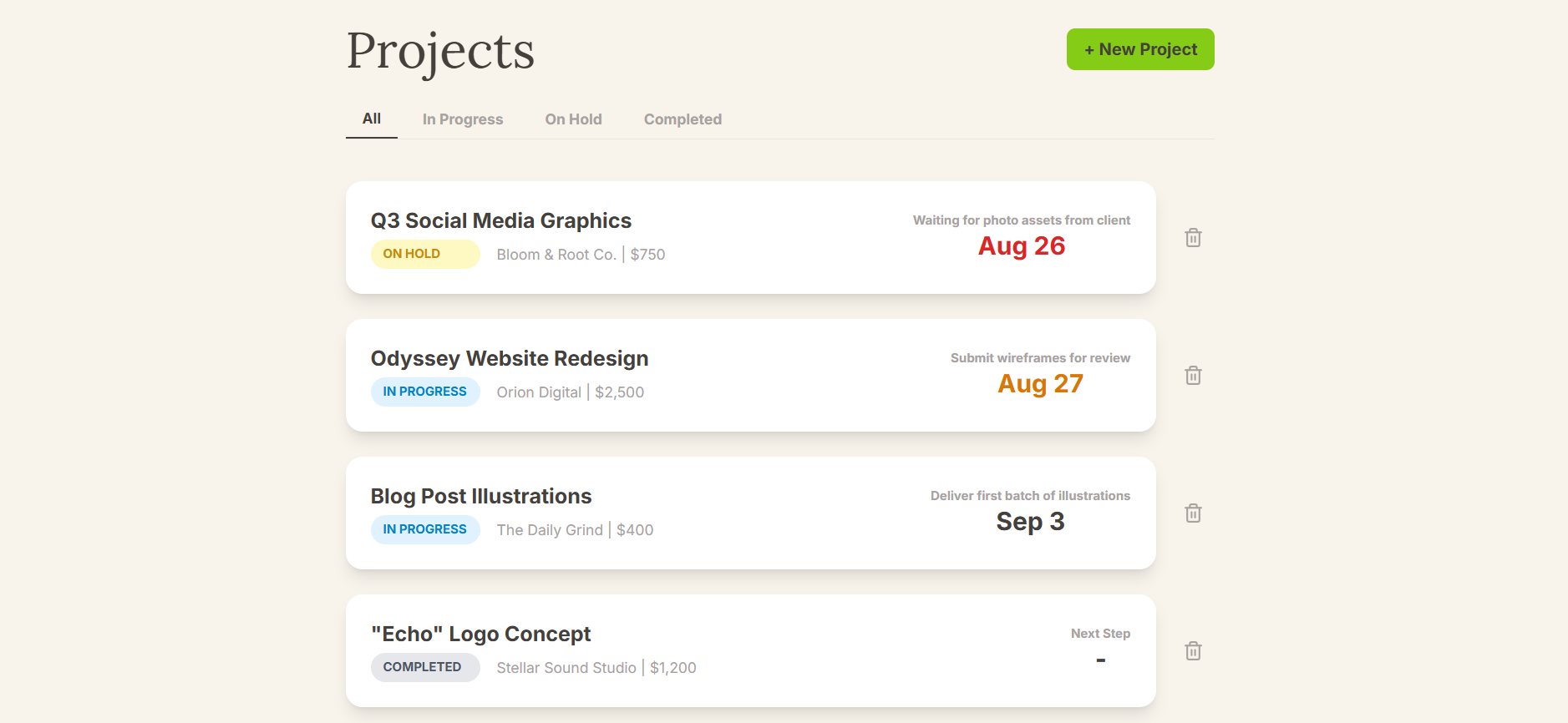
When a client asks for extra work, your first move is to open Jornl (or wherever you keep your project notes). Look at the original scope you agreed to during Onboarding.
- Did you agree to 3 revisions or unlimited?
- Did you agree to design the page, or code it too?
If it’s not in the notes, it’s out of scope.
Step 2: The "Pause" Button
Freelancers often say "Yes" out of panic. We are people-pleasers.
Train yourself to hit the pause button. When a request comes in via email or Slack, do not reply instantly.
Bad Reply: "Sure, I'll do that tonight!" Good Reply: "Received! Let me check how this fits with our current timeline and get back to you."
This buys you time to calculate the cost.
Step 3: The "Change Order" (How to Monetize Creep)
Scope creep is actually an opportunity. It means the client likes your work and wants more of it. You just need to charge for it.
Use the "Yes, But..." technique (also called a Change Order).
The Script:
"Hi [Client Name],
I can definitely help with that extra popup!
Since that wasn't in our original project scope, I’ve estimated it will take about 2 extra hours. That would bring the total project cost up by $150.
Do you want me to add that to the next invoice and proceed? Or should we stick to the original plan for now?"
Why this works:
- You didn't say No. You offered a solution.
- You put the ball in their court. Now they have to decide if that "small tweak" is worth $150. Spoiler: 50% of the time, they will say "Oh, never mind then." The other 50%, you get paid. Win-win.
Step 4: Update the Documentation
If they agree to the extra cost, write it down immediately.
In Jornl, add a new Note to the project: “Jan 22: Client approved extra popup for $150.”
This protects you when you send the Final Invoice. If they ask "Why is the bill higher?", you have the exact date and confirmation ready to show them.
Frequently Asked Questions (FAQ)
Q: What if the request is really small (5 minutes)? If it is truly 5 minutes, do it for free as a "goodwill gesture," but tell them. Say: "I’ll cover this one for free, but for future updates, we’ll need to open a new hourly contract." This sets the boundary for next time.
Q: How do I prevent this from the start? Detailed proposals. The more vague your proposal ("Make a website"), the more room there is for creep. Define exactly what is included (e.g., "5 pages, 2 rounds of edits") and what is NOT included.
Conclusion
Your time is your inventory. Giving it away for free is bad business.
Clients respect freelancers who manage projects professionally. By tracking your scope in Jornl and using the "Change Order" method, you turn stressful requests into profitable upsells.