January 8, 2026
The Freelance Project Offboarding Checklist: How to End Projects and Get Referrals
The Short Answer
What is Freelance Offboarding?
Project offboarding is the formal process of closing a freelance engagement. Instead of just sending files, a professional offboarding workflow includes delivering final assets, sending the final invoice, requesting a testimonial, and pitching future maintenance. This structured approach ensures you get paid, protects your reputation, and turns one-time clients into recurring partners.
Introduction
We obsess over "first impressions." We spend hours polishing our proposals and perfecting our kickoff calls. But in business, the last impression is often the one that sticks.
Most freelancers stumble at the finish line. They email a Zip file, say "Thanks!", and disappear. This is a wasted opportunity. A chaotic ending leaves the client feeling unsure ("Did I get everything?"), while a smooth, professional offboarding makes them feel like they just worked with a pro.
The goal of offboarding isn't just to end the project; it's to open the door for the next one.
Why "The End" is Actually The Beginning
A proper offboarding system solves three massive headaches for freelancers:
- It Guarantees Payment: Clients pay faster when they feel the project has been "officially" delivered and signed off.
- It Prevents "Zombie" Emails: By delivering everything clearly now, you avoid the "Hey, where is that logo file?" email six months from now.
- It’s the Perfect Upsell Moment: When a client is happy with the result, that is the exact right moment to ask for a testimonial or propose a retainer.
The 4-Step Offboarding Checklist (Your Template)
Stop reinventing the wheel every time you finish a job. Use this simple 4-step system to close every project with confidence.
Step 1: The Asset Handover
Before you send the final email, organize your work. Do not send a messy folder full of "Draft_final_v3_REAL_FINAL.jpg". Clean it up.
- Organize files: Create a clear folder structure (e.g., "Source Files," "Final Exports," "Fonts/Assets").
- Check the Scope: Go back to your Onboarding Checklist and verify that every single item you promised has been delivered.
- Create a "Read Me" file: A simple text document explaining what is in the folders.
Step 2: The Financial Close
Never leave money on the table. The project isn't done until the money is in the bank.
- Send the Final Invoice: Clearly mark it as "Final."
- Log it immediately: Enter the invoice into your Invoice Tracking System so you don't forget to follow up if they delay payment.
Step 3: The "Future-Proofing"
This is where you make more money. Don't just say goodbye; offer a path forward.
- The Upsell: "Now that the website is live, would you like to discuss a monthly maintenance package to keep it secure?"
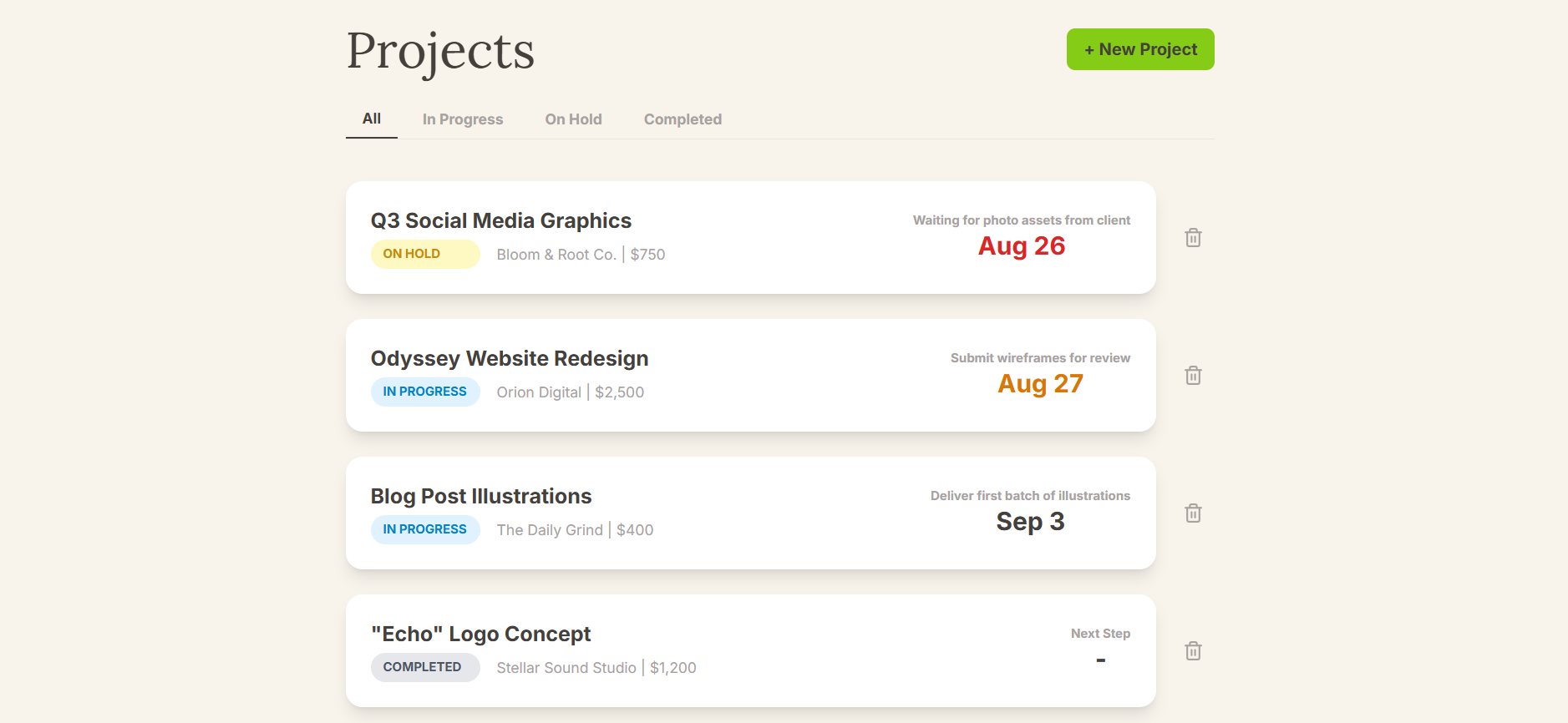
- The Archive: Don't delete the project from your system. In tools like Jornl, you should mark the project as "Completed" (Archive). This keeps all your notes, decisions, and files safe. If the client comes back in a year, you have the full context ready in seconds.
Step 4: The Review Ask
If you did a good job, your client wants to help you. You just have to make it easy for them.
Copy this email template:
"Hi [Client Name],
It’s been a pleasure working on this. Since we’ve wrapped up, would you be open to writing a brief 2-sentence testimonial about the process?
You can just reply to this email. It would mean a lot to me and helps other clients trust my work.
Best, [Your Name]"
Why You Need a "Project Graveyard"
One of the biggest mistakes freelancers make is deleting data to "clean up."
Imagine a client returns 8 months later: "Hey, remember why we chose Blue instead of Green for the logo? We need to explain it to the board."
If you deleted your notes, you look unprofessional. If you use Jornl, you simply search for the project, open the Notes tab, and see the exact date and reason for that decision.
You reply: "Yes! On October 12th, we decided on Blue because it matched your competitor analysis. Here is the note from that meeting."
That level of organization is what allows you to charge premium rates.
Frequently Asked Questions (FAQ)
Q: When is the best time to ask for a testimonial? The best time is immediately after the client expresses happiness with the final delivery. The "emotional high" is fresh. Don't wait two weeks; do it during offboarding.
Q: What if the client asks for changes after offboarding? This is common. If it's a tiny fix (5 minutes), do it for free as a goodwill gesture. If it's real work, you must be firm: "I'd be happy to do that! Since we've officially closed this project, I can open a new hourly contract for these updates. Let me know if you'd like an estimate."
Q: Should I keep client files forever? Yes, within reason. Storage is cheap. Keeping a "Project Archive" in your project management tool is a massive value-add. It costs you nothing but saves the day when clients lose their own files.
Conclusion
Don't let your projects just "fizzle out." Close them with intent. A strong offboarding process protects your income, secures your next referral, and gives you the peace of mind to fully disconnect and enjoy your reward.
Start archiving your success stories today. Use Jornl to keep your project history safe, organized, and ready for the future.